Set Field
Change fields on a record
Set Field changes fields on the record the step acts on.
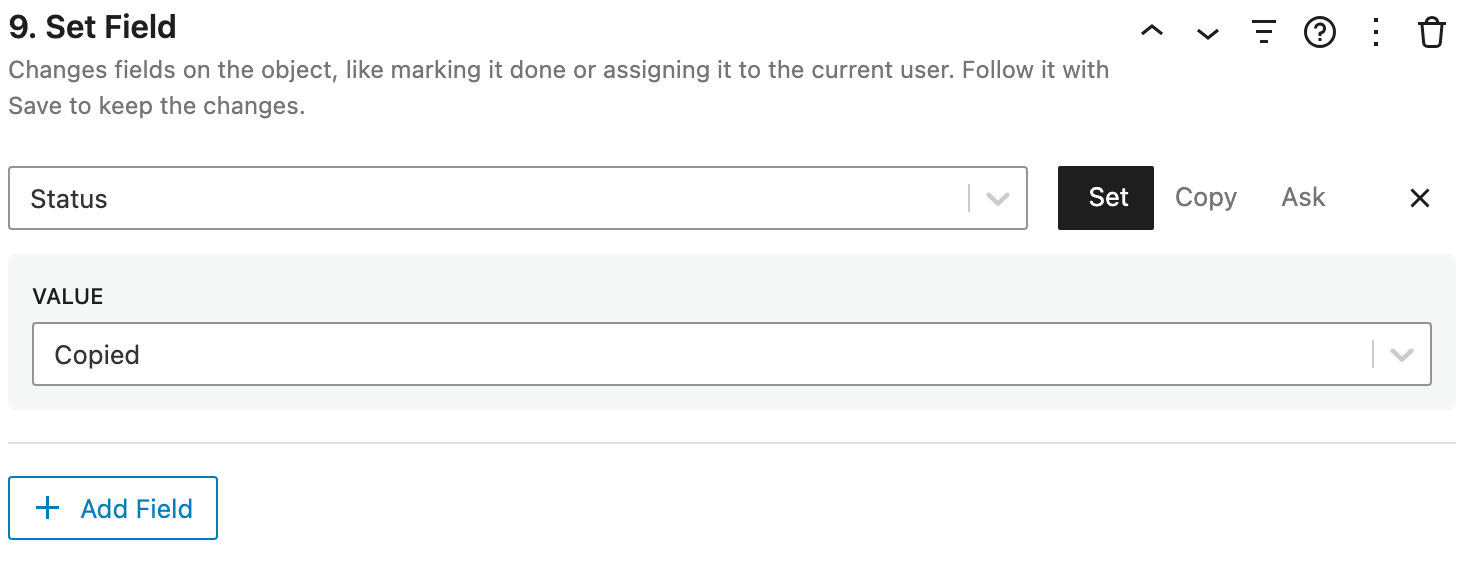
Settings
Click Add Field to choose a field, then where its value comes from:
- Set: a value you choose, like a status of Done, today's date, or the current user.
- Copy: a value copied from another record, like the client of a task's project.
- Ask: asked for when the workflow is clicked.
Text values can include placeholders, like {field:name}. See Setting fields for every kind of value.
How it works
- Set Field doesn't save. Follow it with Save, unless something else saves the record, like the modal it's in or the person editing the page.
- Inside a loop, Set Field followed by Save changes every record in one request.
- Fields that are always read-only are skipped.
Examples
- Mark Done: Set Field (Status: Done, Completed On: now), then Save.
- Push Back a Week: Set Field (Due Date: 1 week from its date), then Save.
- Reassign: Set Field (Assignee: asked for), then Save.