For Each Object
Run steps for each record in a list
For Each Object runs the steps after it, up to End For Each, once for each record in the list the workflow is in.
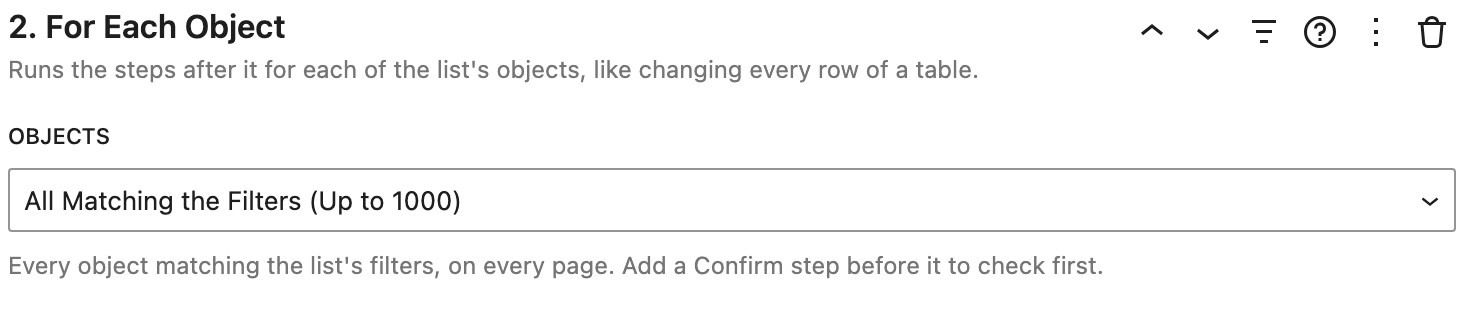
Settings
- Objects:
- Shown in the List: the records on the page the list is showing.
- Selected in the List: the records people have selected. The workflow's label shows how many, like "Mark Done (3)". See Selecting records.
- All Matching the Filters (Up to 1000): every record matching the list's filters, on every page. Add a Confirm step before it to ask first.
How it works
- It works in workflows above a list.
- When the steps inside only change fields and save, like Set Field then Save, every record is changed in one request. A loop with only a Delete step deletes every record in one request too.
- After it runs for the selected records, the selection is cleared.
See Loops and selecting records.
Example
Bulk Edit: For Each Object (Selected in the List), Set Field (Status: Done), Save, End For Each, Show Notice ("Marked {done} tasks done.").