Switch Context
Act on another record
Switch Context makes the steps after it act on another record.
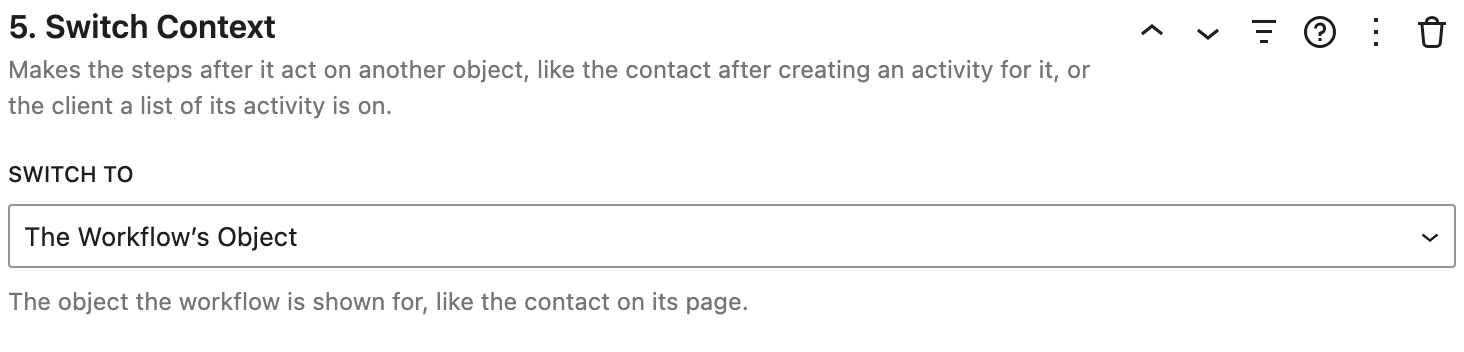
Settings
- Switch To:
- The Workflow's Object: the record the workflow is shown for, like the project on its page.
- A Step's Object: the record an earlier step acted on or created. Choose the Step, like "Step 4 · Project".
- The Nearest Object of a Type: the closest record of a type around the workflow, like the client whose page a list of activity is on. Choose the Object Type.
How it works
- Inside a loop, switching to the loop's step goes back to each record in it, like the original task after copying it.
- Step numbers are updated when steps move, so A Step's Object keeps pointing at the same step.
Tips
In a step's help, Act on Another Object adds a Switch Context step before it.
Examples
- After logging a call for a contact, switch to the nearest Client to schedule the client's next follow up in the same form.
- After duplicating a project, switch back to The Workflow's Object to work on the original.