Show Notice
Show a short message
Show Notice shows a short message at the bottom of the page, like confirming the steps worked.
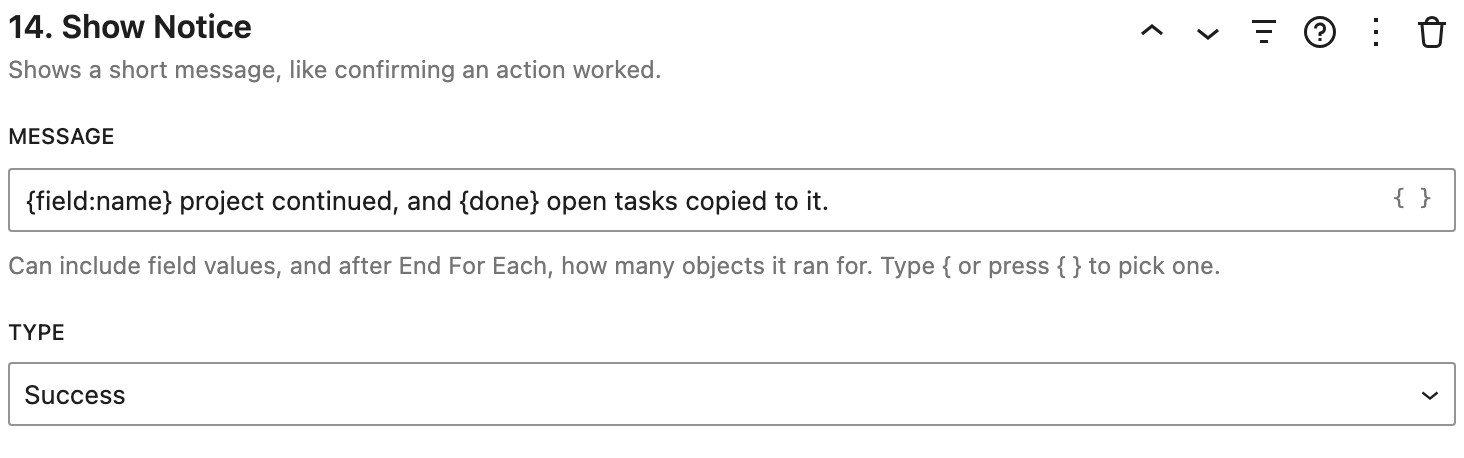
Settings
- Message: the text. It can include placeholders, like
{field:name}. Type{or click { } to pick one. - Type: Success, Info, Warning, or Error.
How it works
After a loop's End For Each, the message can say how the loop went:
{done}: how many records it ran for.{skipped}: how many were skipped, like by a condition.{failed}: how many failed.{total}: how many there were.
Example
"Project continued, and {done} open tasks copied to it."